
Features
Everything it does, in plain words
No feature below is on a roadmap. It is all in the product today, and it all reads the same sale — which is why a figure never has to be typed into two screens.
01
The till
The screen your cashier lives on all day.
Built for a counter, not a desk
Big touch targets, the total fixed where the eye lands, and the Pay button always in the same corner. Works on a tablet, a Sunmi terminal or an ordinary browser.
Scan, or tap, or type
Any USB or Bluetooth scanner works out of the box — the till can tell a scanner from a cashier by how fast the characters arrive. No scanner? Use the camera, or browse by aisle.
One receipt, every printer
The slip is built once on the server, so an 80mm thermal, a 58mm handheld and an A4 PDF invoice all say the same thing. Losing a printout never loses the sale.
Keeps selling when the internet stops
The Android till prices, prints and queues without a connection, then uploads and lets the server re-price every sale. A disagreement is flagged for a manager, never silently absorbed.
02
Money you can defend
Every figure is worked out on the server, so two tills can never disagree.
Tax the way your authority wants it
PRA, SRB, FBR, or whatever yours is called. Set per branch, at your own rates, because a chain can sit under two authorities at once. Cash and card file at different rates, a split payment blends them, and the tax is reported split by method.
A day that starts at 7am
Your business day, not the calendar’s. A 2am sale belongs to last night — on the Z report, in the day close and in every report, without anybody doing the arithmetic.
Closing the till, properly
The cashier declares the float and the counted cash. The server works out what should be there and records the over or short. Once a day is closed, nothing can land on it until a manager reopens it with a PIN — and that is on the record too.
Nothing is ever oversold
Two tills selling the last unit at the same instant is settled by the database, not by timing. The second one reads an empty shelf and is refused before any money moves.
03
The kitchen and the stock room
Where the money actually leaks.
Food cost per dish, four ways
Write the recipe once and every sale takes flour and cheese off the shelf, not a pizza. Read it per dish, per outlet per day with a city roll-up, per stock category, or item by item against your own counted closing.
The right slip at the right station
Grill, bar, cold station — a dish prints where it is made. One combined ticket in sections, or one per department. Add a drink to a table already sent and only the drink prints, marked as an addition.
A stock ledger, not a guess
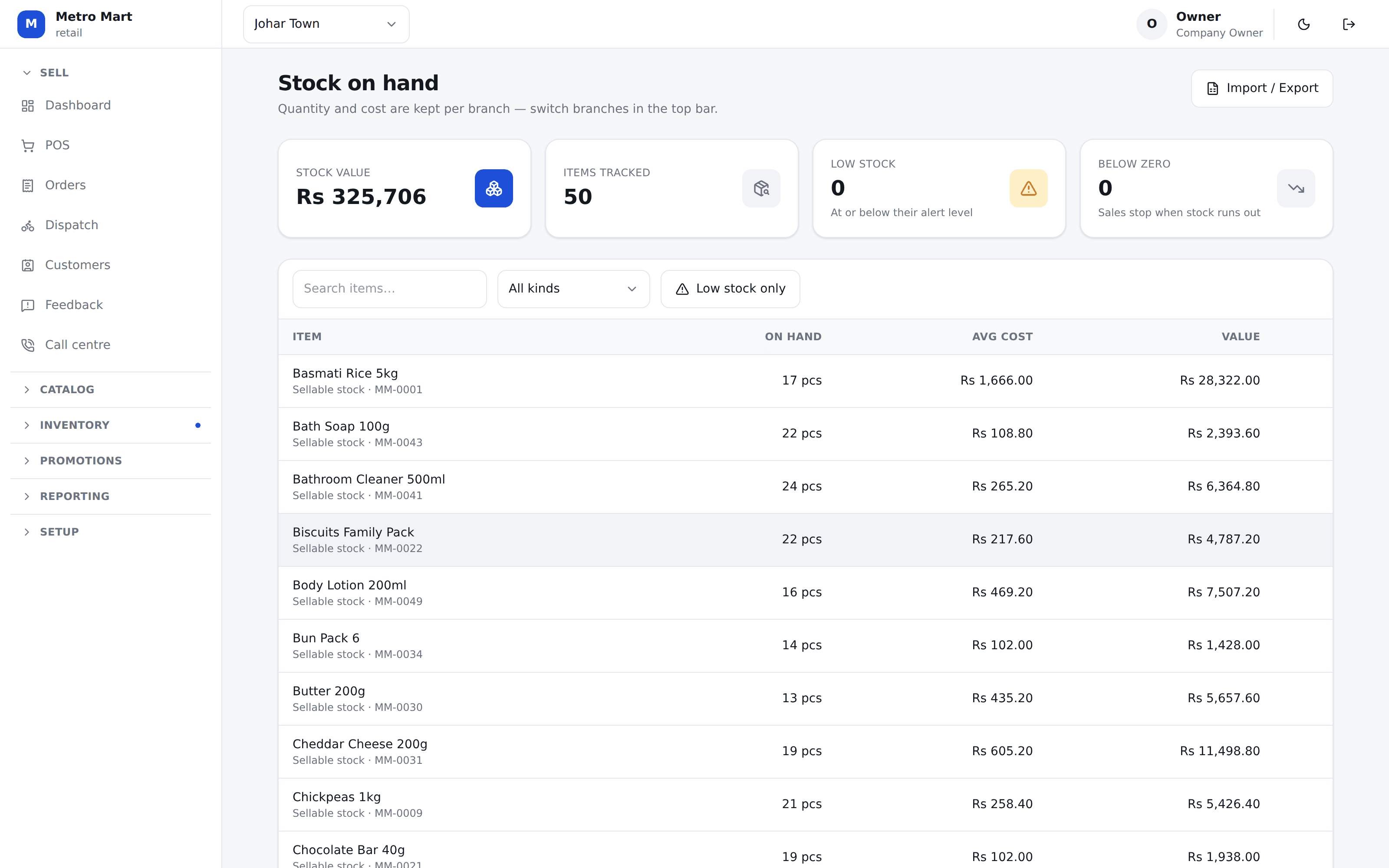
Purchases, transfers, counts, wastage, production — every movement is a row, with the branch’s own weighted average cost. Stock and cost are per branch, so one outlet buying dear does not move another’s numbers.
A commissary that issues to the shops
Make dough centrally, issue it to the outlets at cost or at your own rate, and let the branch that used it carry that cost. Production prices what was actually produced, so a bad batch makes the item dearer — which is the truth.
04
Off the counter
Phone orders, riders, aggregators, staff — all on the same sale.
A call centre desk that is not a till
An agent takes the customer, the area and the cart on one screen, and the outlet is told the moment the order is placed. Accepting it prints the kitchen slip. The branch takes the money, on the doorstep or at the counter.
Riders, and the cash they come back with
Assign, send out, mark delivered or failed with a reason. At the end of the day each rider is settled against what they carried, and the day will not close with a rider still out.
Delivery app money that adds up
A channel order never touches your drawer, because the platform is holding that cash. Record what they actually paid and see the gap against what they owed, per period.
Staff meals without an argument
Give a cook a monthly allowance. They type their code at the till, the entitlement covers what it covers, and they pay the rest. What is left is counted from the ledger every time, so it cannot drift.
Reports
Twenty-nine reports, every one exporting twice
Excel and PDF are generated from the same build the screen reads, so an export can never disagree with what you were looking at.
Sales
- Sales summary
- Orders
- Sales by category
- Sales by hour
- Sales by terminal
- Order segments
- Price overrides
- Channel sales
Money
- Tax report
- Discounts & FOC
- Payment methods
- Promotions
- Channel settlements
Food cost
- Cost per dish
- Daily cost per outlet
- Item consumption
- Consumption comparison
- Consumption variance
- Margin
Stock
- Stock valuation
- Wastage & write-offs
- Purchases
Delivery
- Delivery performance
- Rider performance
- Failed deliveries
Customers & staff
- Customer list
- Dormant customers
- Customers by city
- Customer orders
- Frequent customers
- Standing discounts
- Complaints & feedback
- Call centre agents
- Staff meals
Which of these you see depends on your plan and on what your business actually is — a grocery is never shown a recipe screen, whatever it pays.
Under the counter
The rules that keep the figures honest
The browser never works out money
Every total, every paisa of tax and every discount is computed on the server and sent back. Two tills cannot arrive at two answers.
History is never rewritten
A line stores the tax rate it sold at. Change the rate next year and last year’s bill still reads what the customer actually paid.
Nothing important is deleted
A supplier, a recipe, a variant — removing one hides it and keeps the history. Writing the same thing again brings it back with everything attached.
A closed day stays closed
No sale, void or edit can land on a closed business date. A manager reopens it with a PIN, and who did it and why is recorded.
Refused, not silently ignored
When the till cannot do something, it says so in a sentence a cashier can read out. There are no dead buttons in Sellify.
See it on your own menu
Twenty minutes on a call. We will set your products, your taxes and your branch up while you watch, and you can ring a real sale on it before you decide anything.
No card needed. We set your company, your first branch and your login up in one go.