
Sunmi terminals
POS software for the Sunmi on your counter
Sellify runs on the V3, V3H, V2s, V2s Plus, V2 Pro, V2, D3 Pro, D3 Mini, D2 Mini, T2S and T2 Lite — driving the built-in printer, the hardware scan trigger and the customer display directly. Install one app, pair the till, and it keeps selling when the internet does not.
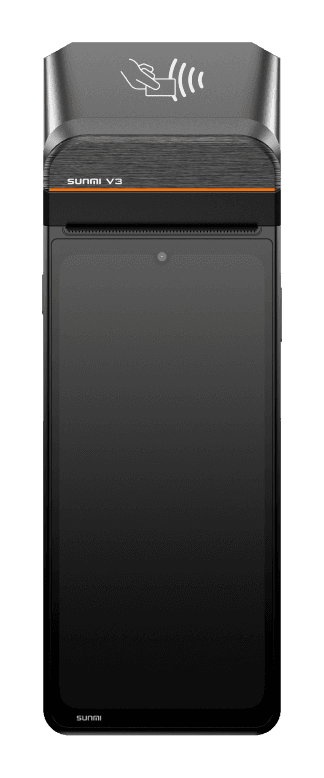
Three shapes, one app
Whichever Sunmi you were quoted
The app is the same on all of them. What changes is the roll width, whether there is a second screen, and where you stand while you use it.
Handheld
V3 · V3H · V2s · V2s Plus · V2 Pro · V2
The till you carry
A phone-sized terminal with a 58mm roll behind the screen and a scan trigger down the side. A waiter takes the order at the table and the slip comes out in their hand; a rider carries one out with the order.
- The built-in printer, driven directly — no second box on the counter
- The hardware scan button, read as a scan and not as typing
- Prints the receipt, the kitchen slip and the A4 invoice’s thermal twin
- Keeps selling with the mobile data off
Counter terminal
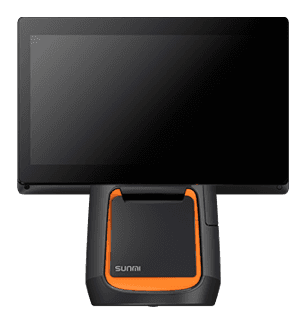
D3 Pro · D3 Mini · D2 Mini
The one that stands on the counter
A screen on a weighted base with the roll in the foot. This is the shape most shops put at the till: big enough to read a full cart, small enough to leave room for a scale and a card machine.
- An 80mm or 58mm roll in the base, cut and fed by Sellify itself
- The cash drawer opens on the same write as the receipt
- A USB scanner plugs in and works with nothing to configure
- Full-width till layout: rail, grid and a cart column that never scrolls away
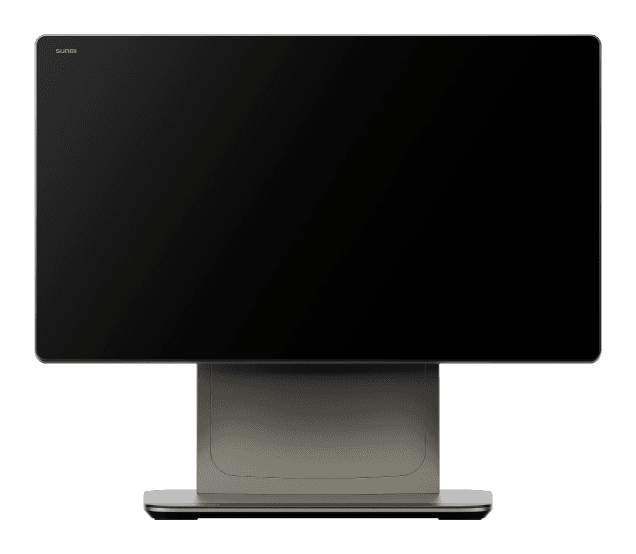
Dual screen
T2S · T2 Lite
The customer reads their own bill
A second panel facing the customer while the cashier rings. It shows the lines going on, the total once the server has priced it, and a thank-you afterwards — drawn from the same design as the till, not a separate little app.
- ITEMS while the cashier rings, TOTAL only once tax has been worked out
- A figure called Total that then grows is the one thing a display must never do
- Starts only when a second screen is actually there — a handheld never pays for it
- Nothing on it can touch the sale; a display that fails never fails a payment
Model by model
Find the one you were quoted
Every terminal here runs the same app, with the same offline selling and the same server-built receipt. If yours is not on this list and it is a Sunmi running Android 7 or newer, it almost certainly still works — ask us.
Sunmi V3
The current handheld, and the one a dealer quotes new today.
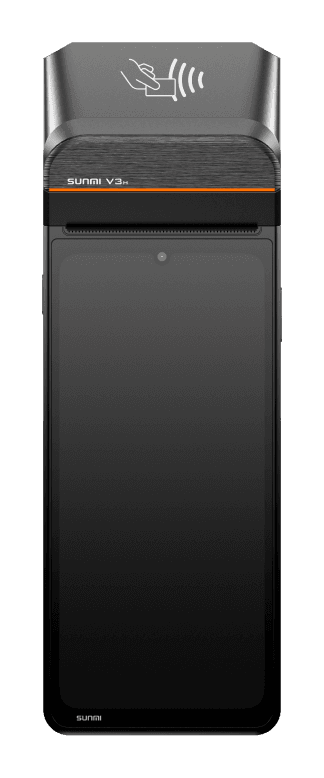
Sunmi V3H
The V3 in its taller body. The same till, the same printing.
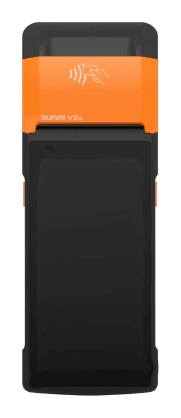
Sunmi V2s
The pocket till: 58mm roll, scan trigger, all-evening battery.
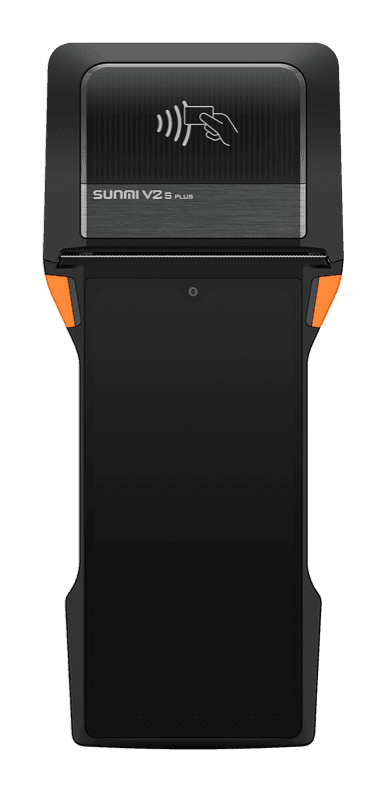
Sunmi V2s Plus
The V2s with a bigger screen and a bigger battery behind it.
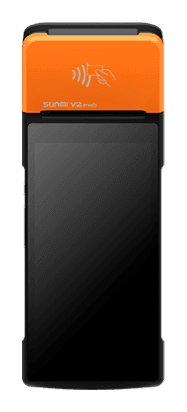
Sunmi V2 Pro
The handheld a rider carries out — 4G, and it prints in the street.
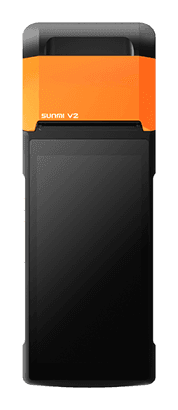
Sunmi V2
The original handheld. Still on thousands of counters, still supported.
Sunmi D3 Pro
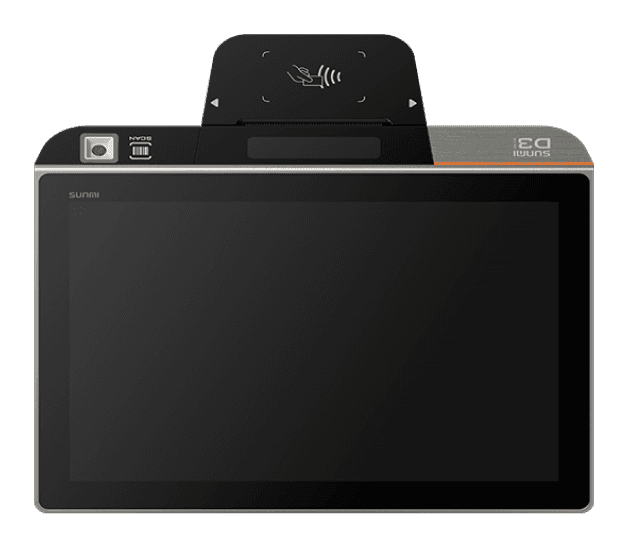
The big counter screen: a full cart, a queue behind it, and room to read both.
Sunmi D3 Mini
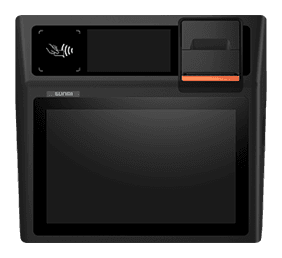
The small counter terminal, with a customer panel on the back.
Sunmi D2 Mini
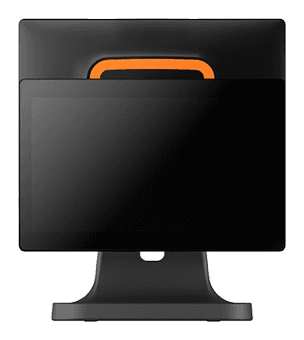
The one for a short counter — same app, less bench.
Sunmi T2S
The wide one: a full cart on screen, and a second panel facing the customer.
Sunmi T2 Lite
The T2S on a smaller budget. The dual screen is the point of both.
About these pictures. The terminals shown are Sunmi's own product images of their hardware, here to say which of them Sellify runs on. Sunmi and the model names are trademarks of Sunmi Technology Group; Sellify is independent software and is not affiliated with, endorsed by or a reseller for them. Any screen you see inside the app on this site is Sellify's own.
On the device
The hardware is used, not tolerated
Plenty of Android POS software treats a Sunmi as a tablet that happens to have a printer. These are the parts Sellify actually drives.
The built-in printer
Driven through Sunmi’s own service, so there is no vendor DLL, no SDK to install and nothing to pair. The bytes are the ones the server built.
The hardware scan trigger
Read as a scan rather than as somebody typing very fast, so it is certain every time and says so when it finds nothing.
The cash drawer
Opens on the same write as the receipt — one job, paper and drawer together.
The customer display
On a dual-screen model, a second Sellify screen rather than a separate little app. It is handed answers, never prices.
The camera, if there is no scanner
A tablet with neither a trigger nor a USB scanner still scans, through the camera. All three end in the same place.
Its own hardware serial
A Sunmi identifies itself by its real SN rather than an Android ID, so re-installing the app never costs you the pairing.
The reason shops buy one
A terminal is only worth it if it works alone
A Sunmi on a counter with a dead router is a very expensive paperweight if the software needs a server for every tap. Sellify's till carries the whole menu, the branch's taxes and its settings, so it prices, prints and queues on its own.
It prices the cart itself
Variants, options, deals, tax at the right rate and your running campaigns — all from the snapshot it carries.
It prints what it quoted
On the built-in head, with a local reference until the real order number arrives from the server.
The server has the last word
Every queued sale is re-priced from the IDs at sync. A disagreement is flagged for a manager, never silently absorbed.
It refuses a stale menu
Selling on a snapshot older than a day is blocked, because a shop off the network for two days would be selling last week’s prices.
And if you have not bought one
You do not need a Sunmi to start
Sellify runs in a browser on anything, so a shop can open tomorrow on the laptop it already owns and buy a terminal when the counter earns it.
Any browser
A laptop, a desktop, an iPad. Printing goes through the browser’s own dialog.
Any Android tablet
The full app, offline selling included, with a Bluetooth or network printer.
A Windows PC
The same till as a desktop app, printing straight to a USB roll through Windows’ own spooler.
A wall tablet for the kitchen
The kitchen display needs no printer at all, and does not count as one of your tills.
Questions
Sunmi and Sellify, answered
Which Sunmi models does Sellify run on?
Any Sunmi running Android 7 or newer — in practice the V3 · V3H · V2s · V2s Plus · V2 Pro · V2 handhelds, and the D3 Pro · D3 Mini · D2 Mini and T2S · T2 Lite counter terminals. The app is the same on all of them; what differs is the printer width and whether there is a second screen.
Do I need any other software or an SDK on the device?
No. Sellify talks to the built-in printer and the scan trigger through Sunmi’s own service, which is already on the device. You install one app and pair the till — there is nothing else to buy, license or configure.
Does it print without the internet?
Yes. With no connection the till prices the cart itself from the menu it carries, prints the receipt on the built-in head and queues the sale. The server re-prices every sale from the IDs when the connection is back, so the figures are still the server’s.
I already have Sunmi devices from another POS. Can I keep them?
Yes, as long as the old software can be removed or sits beside ours. Sellify does not need your terminals to be re-flashed or bought from us, and there is no device lock: the app is our own signed APK, installed directly.
How is a Sunmi terminal registered?
It registers itself with the branch’s pairing code and waits to be approved. A Sunmi binds to its own hardware serial number, so a lost device can be shut out immediately and cannot quietly re-bind to a different one.
Can I use a Sunmi for the kitchen instead of a printer?
You can, though a cheap wall tablet is usually better value for that — the Sellify kitchen display runs in any browser and needs no printer at all. Use the Sunmi where money and paper are: the counter, the table, the rider’s bag.
Bring your Sunmi to the demo
Or tell us the model you have been quoted and we will show you Sellify running on that exact shape — printing, scanning and with the internet pulled out.
No card needed. We set your company, your first branch and your login up in one go.