
For kiryana & general stores
The register under the counter, done properly
Every kiryana runs on two things a normal POS is bad at: udhaar, and the fact that the light goes. Sellify keeps the khata as a real ledger — who owes what, since when, against which bill — and goes on selling with the internet down.
Udhaar
A khata that adds up by itself
Ring the sale on account and it goes on that customer’s ledger — not into a notebook, and not into the drawer’s expected cash, because the money is not there.
When they pay, the money runs down their oldest bills first, automatically. The statement still says which bill each payment cleared, so at month end there is paper to show rather than an argument to have.
A limit, if you want one
Sellify stops a sale that would take somebody past their ceiling and names the shortfall — nobody does subtraction at the counter.
Or no limit at all
A regular you trust simply has no ceiling. That is a real answer, not a blank field.
Advance payment is not an error
Money over what is owed waits as credit and comes off the next bill by itself.
Writing a debt off is the owner’s
Not the counter boy’s. A reason is required and it is on the ledger with a name against it.
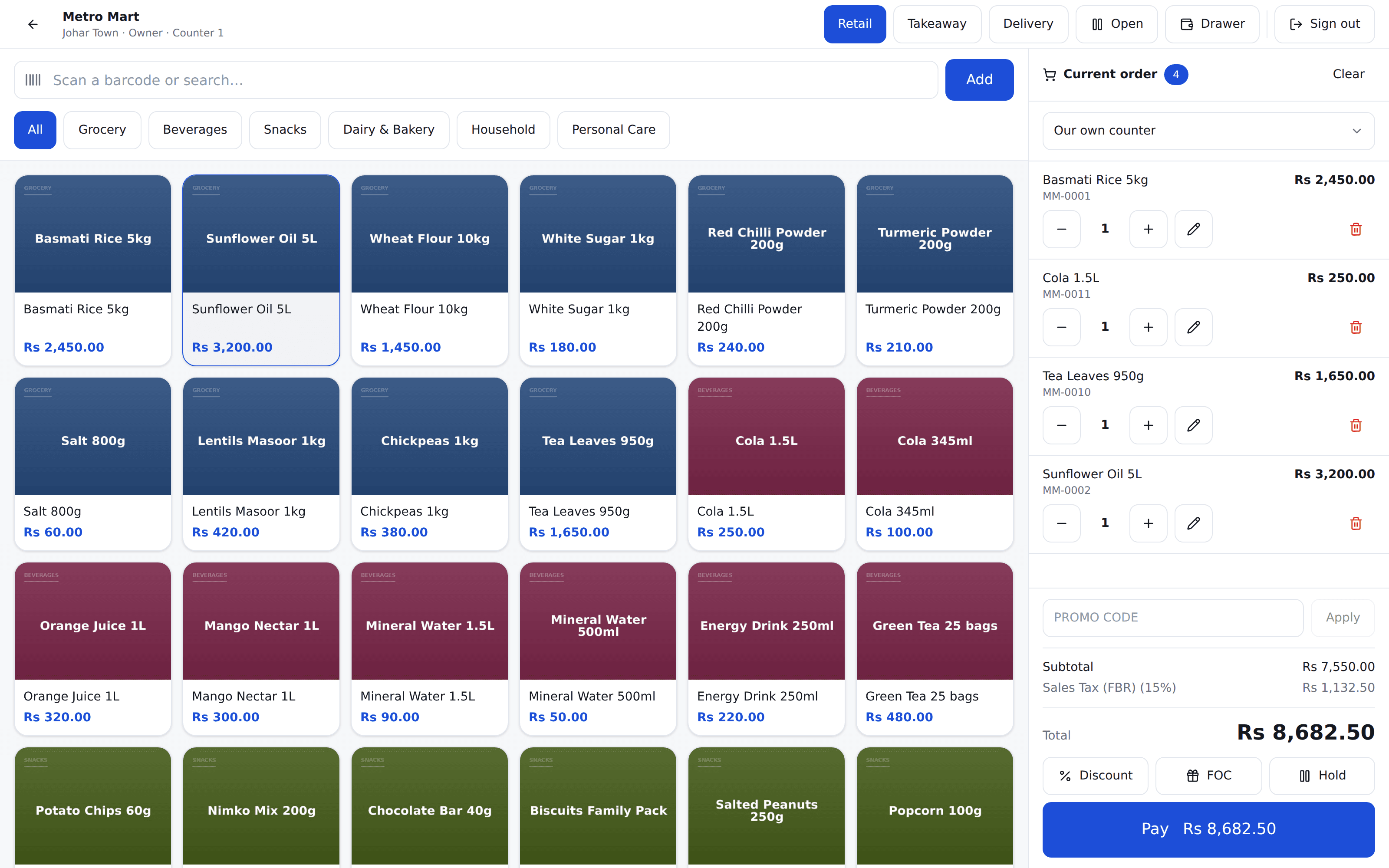
When the light goes
A till that stops selling is a shop that stops selling
This is not a warning banner and a frozen screen. The till holds your prices, your taxes and your offers, prices the cart itself, prints the receipt and takes the money — then sends it all up when the connection comes back.
It prints a slip either way
A customer never waits for your internet. The real bill number arrives when the sale syncs, and any reprint carries it.
One sale, never two
A connection that dies mid-upload is the classic way to charge somebody twice. Every sale carries its own key, so a retry returns the sale you already made.
It refuses stale prices
A till that has been off the network too long will not sell on last week’s price list. It says so rather than quietly guessing.
Windows, Android, or a browser
A counter PC, a tablet, a Sunmi handheld. Same software, same receipt, same figures.
The day will not close over unsent sales
If a till is still holding takings, the day close refuses and names that till. A Z report that does not add up is worse than no Z report.
Barcode, however you scan
USB, Bluetooth, handheld or camera. The till works out which one fired; you plug it in and scan.
Loose goods and the shelf
Rice by the kilo, sugar by the paao
Quantities are not whole numbers. Sell 1.75 kg, and the stock comes off in the same unit you bought it in.
A price you agreed is a price you can type
Damaged carton, a wholesale line haggled over, loose goods weighed out. Whoever you allow may type it — and it is refused below cost, which is the one floor that cannot be argued with.
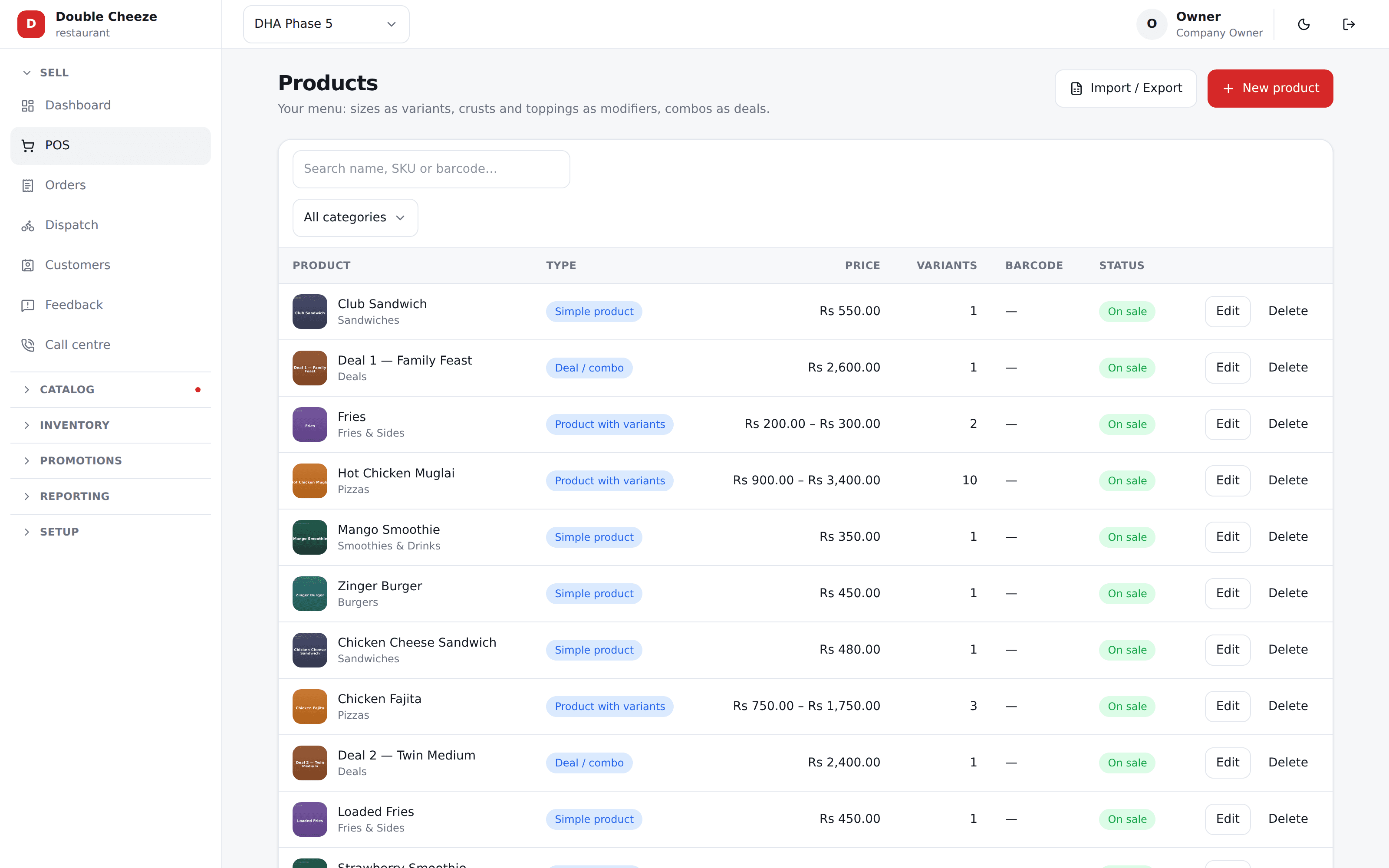
Bring your catalog in from a spreadsheet
Products, items and opening stock imported from CSV — and every file is checked and reported on BEFORE anything is written.
Opening stock on the product form
A branch, a quantity and a cost, when you add the product. Not a second data-entry job under Inventory afterwards.
Two shops, two shelves
Stock and cost are kept per branch, so one shop buying dear does not move the other one’s figures.
Straight answers
What Sellify does not do for a kiryana
No weighing scale plugs into it
You weigh on your own scale and type the figure, or scan a barcode your scale printed. There is no cable between Sellify and the scale.
SRB filing is live; FBR and PRA are built
Tax itself is real and set per branch — PRA, SRB, FBR, or whichever authority you file with. Restaurants file every sale with SRB through Sellify today, with the SRB invoice number and QR code on the receipt. The FBR and PRA connections are built on the same platform and switched on per branch, but no shop of ours files with them yet — and we will not claim otherwise.
The khata needs the internet
A balance is counted from what every till and every collection has done. A limit checked against a stale figure is not a limit — so a sale on account is one of the few things that waits for a connection.
Bring us your khata register
A photo of a page from it. We will show you the same names and the same balances on a real statement — the one you would hand a customer at the end of the month.
No card needed. We set your company, your first branch and your login up in one go.