
For pharmacies & medical stores
The stock that expires is the stock that costs you
A medical store does not lose money on the medicine it sells. It loses money on the strip that sat behind the counter eleven months and went out of date. Sellify tracks every batch by its own expiry, sells the nearest one first, and tells you each week what is about to go — while the distributor will still take it back.
Batch & expiry
A batch is a thing, not a note in the margin
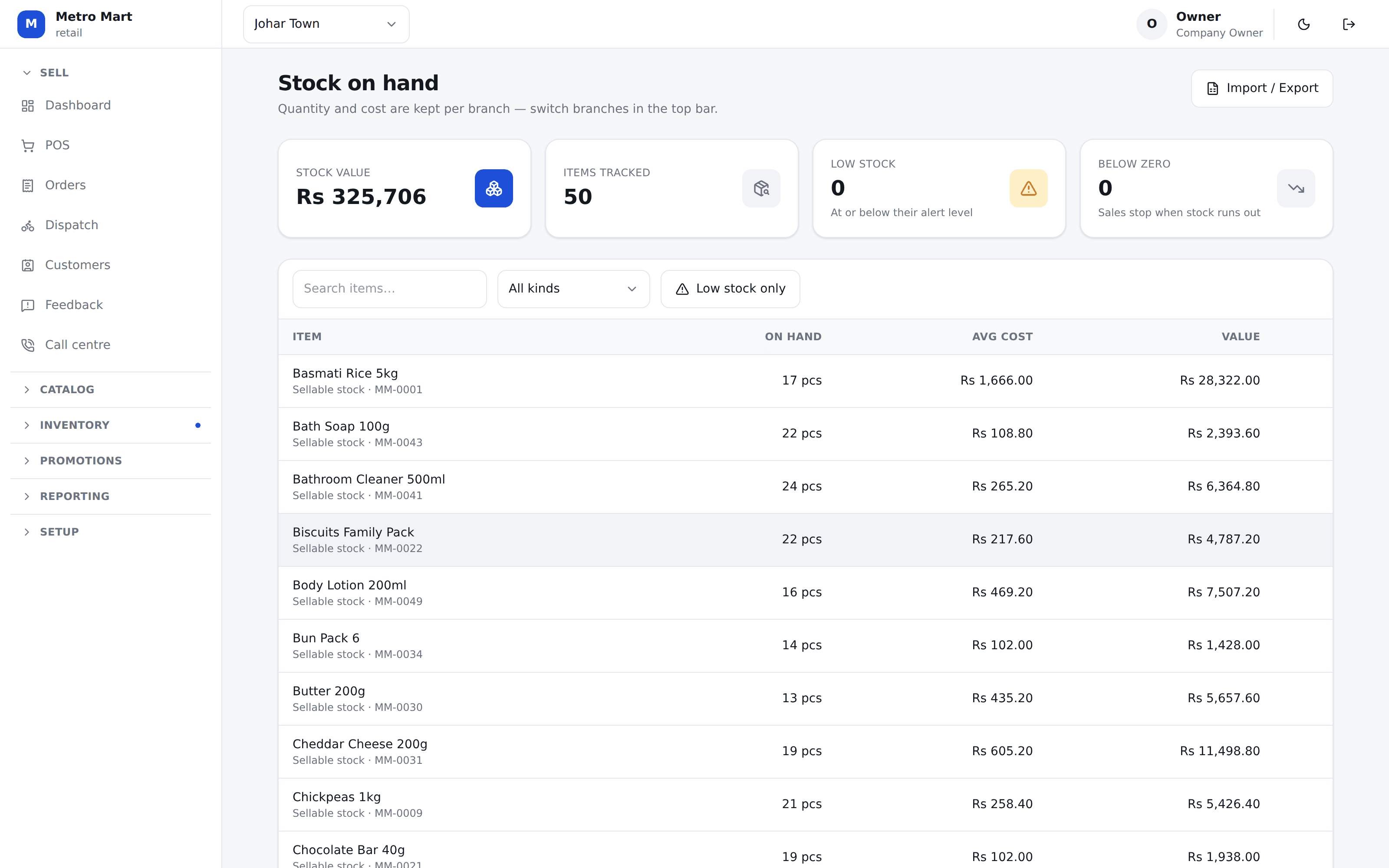
When goods come in, the batch number and the expiry go on the purchase line. From then on that batch is real stock: it has its own quantity, its own cost and its own date, at that branch.
You turn it on per item. A strip of Augmentin is tracked by batch; a packet of cotton wool need not be, and is not — so the counter is not asked for a batch number on things that never had one.
At the counter
The nearest expiry goes out first, without anybody deciding
Your salesman does not read dates off boxes during a queue. The till does it: a sale takes stock off the batch that expires soonest, then the next, and the receipt is rung in the ordinary way.
Soonest expiry, then the next
One sale can draw from two batches when the first runs out mid-strip. Each part is recorded against the batch it actually came from.
A dated batch beats an undated one
Stock that came in before you started dating batches still sells — it simply goes last, rather than blocking the counter.
The cost follows the batch
A crate bought dearer in March costs what it cost. Your margin is not an average of everything you ever bought.
It works with the internet off
Load-shedding, a dead router, a PTCL outage. The till keeps selling and the batches settle up when the connection returns.
Barcode, however you scan
A USB scanner, a Bluetooth one, a handheld, or the tablet camera. Nothing to configure — the till works out which one fired.
Two counters, one shelf
Two tills selling the last strip at the same instant is settled by the database, not by hope. Nothing is ever oversold.
Expiring stock
One page, read on a Monday, before it is too late
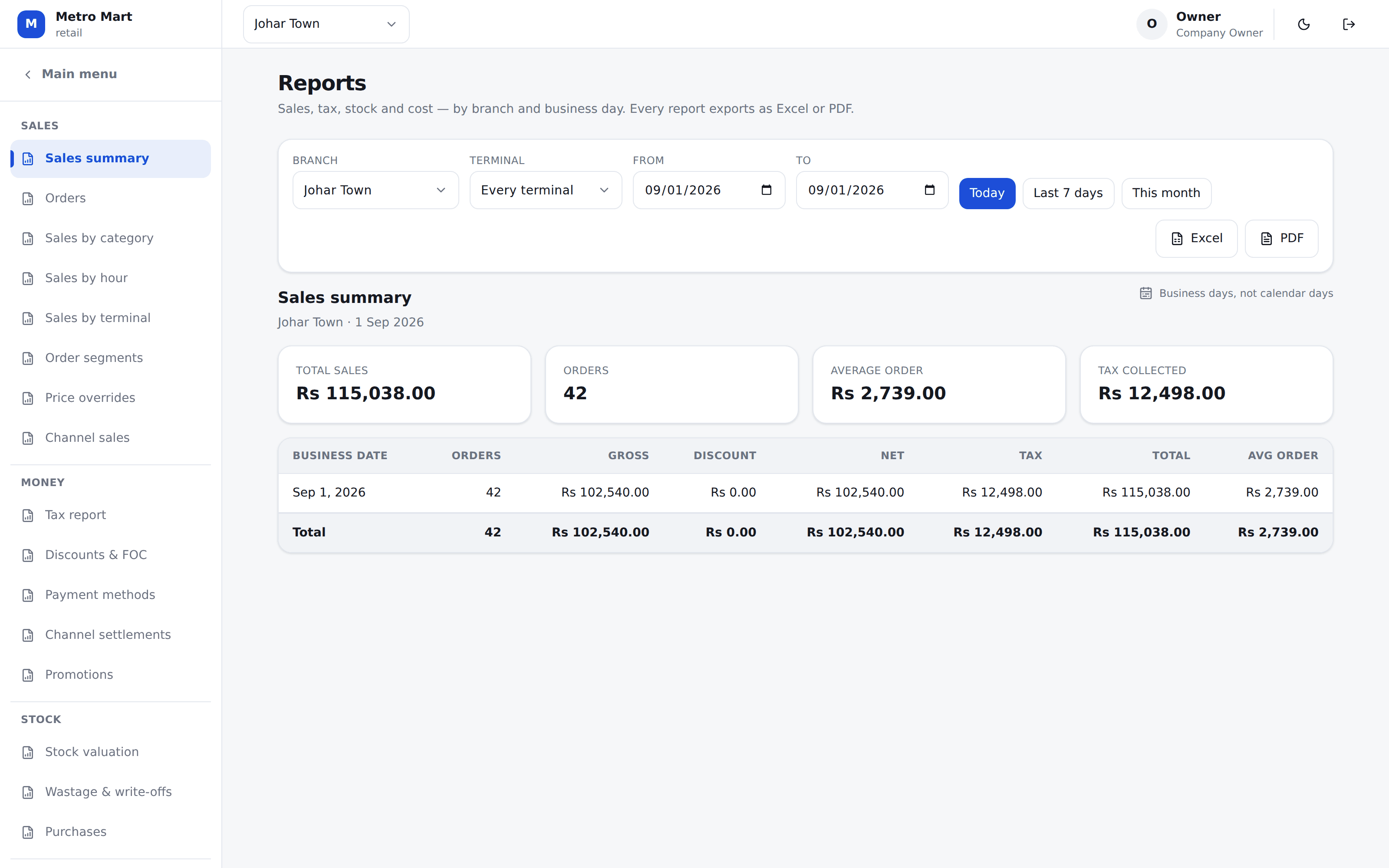
Every batch you still hold, soonest first, with what each one is worth. Not a warning buried in a screen nobody opens — a report you print, walk the shelves with, and ring the distributor about.
Already expired
Still on the shelf and still sellable by mistake. This is the first line, in red, and it is money you have already lost.
Within 30, 60 and 90 days
What is coming, and what each window is worth — so you know whether this is a phone call or a panic.
A batch nobody dated is listed too
Last, and with no number of days — because “expires today” and “nobody typed a date” are different answers and one of them is your own data gap.
Excel and PDF, from the same figures
The export cannot disagree with what was on screen, because it is generated from it.
The khata
Regulars who pay at the end of the month
A clinic that sends its patients to you, a family that runs an account, a doctor’s dispensary you supply. Sellify keeps the ledger properly rather than in a register under the counter.
A ceiling you set
A sale past somebody’s limit is stopped and names the shortfall. A manager can lift it with a PIN, and who lifted it is on the record.
Money is applied oldest first
A payment runs down the open bills by itself, and the statement still says which delivery it cleared.
A statement to hand over
Opening balance, every movement, closing balance. The argument at month end is settled by the paper rather than by memory.
Who owes what, by age
0–30, 31–60, 61–90, over 90. A shop that is always a fortnight late and one that has not paid since January owe the same figure and are not the same problem.
Straight answers
What Sellify does not do for a pharmacy
You will find this out on the demo call anyway. Better here.
There is no pre-loaded medicine database
Your catalog is your own — imported from a spreadsheet, or built with you on the setup call. Some POS ship a list of thousands of medicines; we do not, and a list that does not match what you actually stock is a list somebody has to clean.
SRB filing is live; FBR and PRA are built
The tax side is real and per branch — PRA in Punjab, SRB in Sindh, FBR elsewhere, each branch with its own NTN and STRN, because two branches can answer to two different authorities. Restaurants file every sale with SRB through Sellify today, with the SRB invoice number and QR code on the receipt. The FBR and PRA connections are built on the same platform and switched on per branch, but no shop of ours files with them yet — and we will not claim otherwise.
No prescription management
Sellify sells, counts stock and keeps the money straight. It does not hold prescriptions or patient records.
Batch tracking is per item, and per branch
It is a switch you turn on for the items that need it — not something forced onto every line in your catalog.
Bring us one purchase invoice
Send us a photo of a distributor bill. We will put those items, their batches and their expiry dates in before the call, so what you are looking at is your own shelf rather than a demo shop.
No card needed. We set your company, your first branch and your login up in one go.