
Offline & Android
The router dies at 8pm on a Friday. The till does not.
Sellify's Android till carries your menu, your taxes and your settings with it. With no connection at all it prices the cart, prints the receipt and queues the sale — then reconciles the moment the network is back.
How it works
Honest about what it can and cannot do offline
Plenty of POS software claims to work offline. Here is exactly what Sellify does, and exactly what it refuses to pretend.
Works with no internet
- The whole menu, with variants, options and deals
- Tax at the right rate, cash and card, split payments included
- Automatic campaigns — the till reaches the same answer the server would
- A manual discount inside your company cap
- Kitchen tickets, printed on the station’s own roll
- A manager’s PIN for a discount over the cap, or an FOC
- A cashier signing in, if they have signed in on that till before
- The receipt, with a local reference until the real number arrives
Needs the internet, and says so
Promo codes
Their usage caps are counted from rows another till is changing while this one is dark.
A customer’s standing discount
It would mean shipping your whole customer book to every tablet.
Staff meal allowances
What is left is counted from the ledger, and another till may have spent it.
A price override
Its cost floor is read off the branch’s ledger. A floor computed against a stale shelf is not a floor.
Closing the day, reopening a day
Audited acts, and nobody is standing at the counter waiting on them.
Each of these is a plain sentence on the screen when it happens — never a button that does nothing.
At sync
The server has the last word on every figure
Re-priced from the IDs
The till sends what was sold, not what it charged. The server prices it again from your catalog, exactly as it would a live sale.
A disagreement is flagged
Where the two differ, the sale is saved at the server’s figure and raised for a manager — never silently absorbed, never silently kept.
A timeout cannot charge twice
Every offline sale carries an ID the device made. Send it twice and the server hands back the sale it already has.
A 2am sale stays on last night
The business date comes from when it was rung, not when it uploaded. A backdated sale is never re-filed onto today.
A stale menu is refused
Selling offline on a snapshot older than a day is blocked. A shop off the network for two days would be selling last week’s prices.
The day will not close over it
Each till reports how many sales are still waiting. A branch cannot close its day until they have landed.
Hardware
Runs on what you already have
Any browser
A laptop or a desktop is enough to start selling today. Printing goes through the browser dialog.
Android tablets
The full till, offline selling included, with a Bluetooth or network printer and any scanner.
Sunmi terminals
The built-in printer and the hardware scan trigger are supported directly — no extra box on the counter.
A second screen for the customer
A dual-screen terminal shows the cart, the total and a thank-you, drawn from the same design as the till.
80mm, 58mm and A4
The same receipt at 48 or 32 characters, and a proper A4 invoice as a PDF with your letterhead and tax breakdown.
Every device prints the slip the server built, so a Sunmi at one branch and a Bluetooth printer at another can never drift into printing two different receipts.
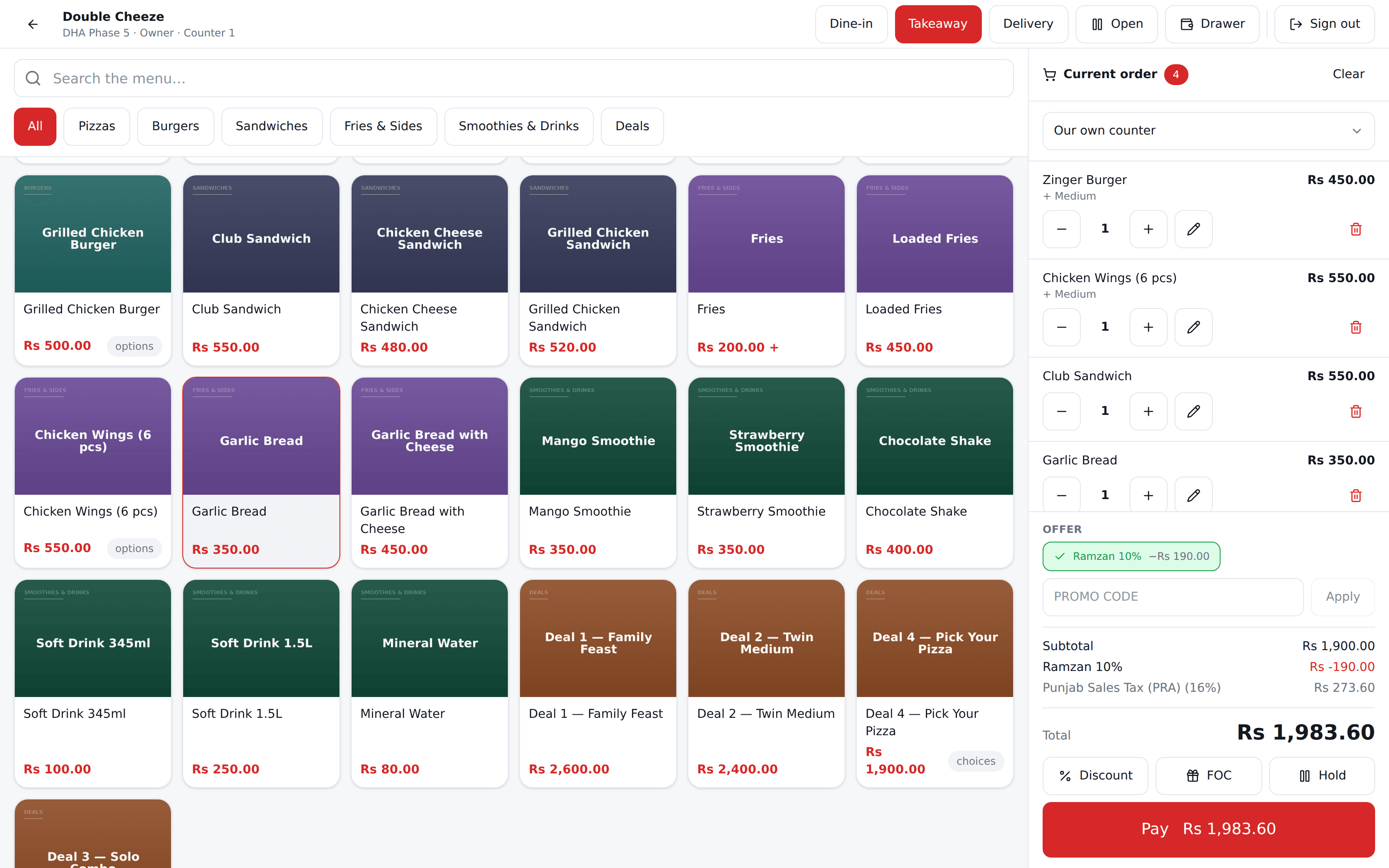
Each till is a device
A tablet left in a rickshaw is not a way into your business
Approved by us, one by one
A device registers itself with your branch code and waits. Nobody sells on it until it is approved.
Bound to that device
A serial that does not match refuses the login and says so. It never quietly re-binds to a different tablet.
Disabled the moment you say
You or your branch manager can shut a lost till out immediately. Bringing it back means pairing again from scratch.
One cashier at a time
While somebody is signed in there, nobody else can be. A manager can release a forgotten session, and that is recorded.
Try it with the cable pulled out
On the demo call, ask us to turn the internet off mid-sale. It is the fastest way to see whether this is the till for your shop.
No card needed. We set your company, your first branch and your login up in one go.