
SRB · Sindh Revenue Board
SRB integrated POS software for restaurants in Sindh
Restaurants in Karachi, Hyderabad and across Sindh file every sale with SRB through Sellify today. The invoice number and the QR code print on the customer’s bill, and the till keeps selling when the internet does not.
What SRB asks for
The rule, in plain words
SRB requires restaurants covered by its POS integration rules to link their point of sale to SRB, so every invoice reaches SRB as it is issued and carries SRB’s number and QR code. Which restaurants are covered, and the rate an integrated restaurant charges, are set by SRB and published on its website — check the current notification for your business.
Every sale reported as it happens
The bill is sent to SRB when it is issued, not added up at the end of the month.
An SRB number and QR code on the bill
The customer can scan the QR to check the invoice was really reported.
No kutcha or pre-payment bills
SRB’s own FAQ says pre-payment and kutcha bills are not allowed through the POS integration.
Your POS ID and credentials
SRB registers your point of sale and gives you the credentials your software sends each invoice with.
SRB in Sellify today
Live — restaurants file with SRB through Sellify every day.
The authority’s rules change. Check the current notification with SRB for your own business — Sellify files what you sell; it does not decide whether you must.
What Sellify does
SRB filing, without a second system
The same till that rings the sale reports it. Nothing is exported, uploaded at month end or typed twice.
Every branch files with its own authority
A branch in Lahore files with PRA and one in Karachi with SRB, each under its own NTN and STRN. A chain across provinces is one Sellify account, not two systems.
The rate is yours to type
Cash and card rates are set per branch. When a rate changes you edit it yourself — you do not wait for us to ship an update.
The number and the QR are on the receipt
The invoice number the authority returns and its QR code print at the foot of the bill, with the authority’s own logo beside it.
A sale is never lost because the authority was slow
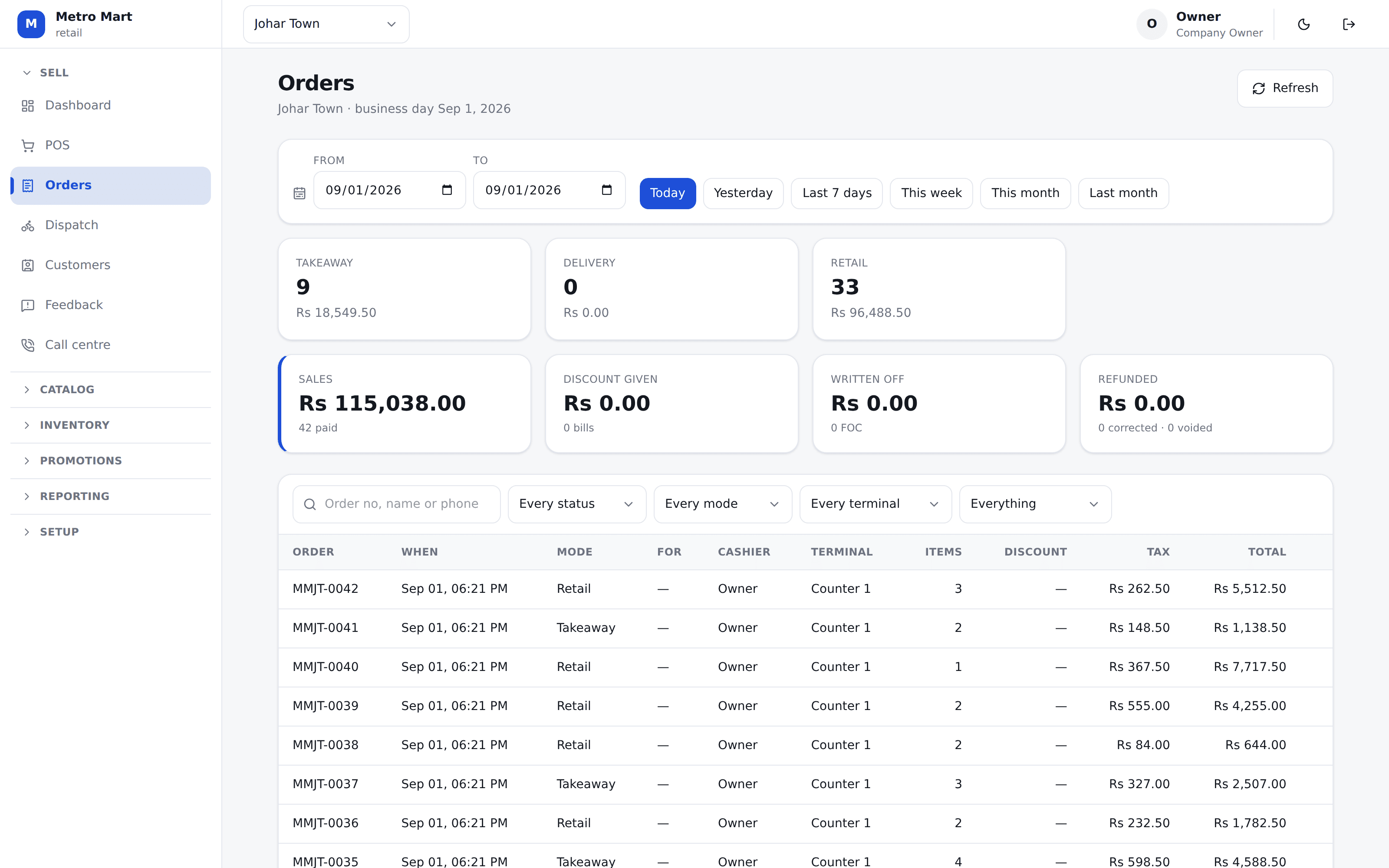
The money is taken and the receipt prints. An invoice the authority did not answer is shown on the Orders screen and is sent again with one tap.
No internet? It still sells
The till keeps selling offline. The invoice is filed the moment that sale reaches Sellify, and any reprint carries the number.
The tax report matches what was filed
The tax report reads the same figures that were sent, so your return and the authority’s record of your invoices cannot quietly disagree.
Straight answers
What to know before you file with SRB
One rate per SRB invoice
SRB’s system takes one tax rate for the whole invoice. A bill that mixes two rates — a taxed dish and a zero-rated item — cannot be filed as one, so Sellify reports it rather than guess a rate.
We do not register you with SRB
Registration and your POS credentials come from SRB. We set them into Sellify for you and test the first invoice with you.
Check the rate with SRB
Sellify starts you with a placeholder rate. It is a starting point, not advice — confirm the rate that applies to you before your first real sale.
Questions
What shop owners ask us
Does Sellify really file with SRB?
Yes. Restaurants in Sindh file every sale with SRB through Sellify today, with the SRB invoice number and QR code printed on the customer’s receipt.
What do I need from SRB to start?
Your SRB registration and the POS credentials SRB issues for your outlet. Each branch has its own, and each branch in Sellify carries its own.
What happens if SRB’s server does not answer?
The sale still completes and the receipt prints. The invoice shows as not yet filed on the Orders screen, and a manager sends it again with one tap.
I have branches in Karachi and Lahore. Is that two systems?
No. Each branch files with its own authority — Karachi with SRB, Lahore with PRA — from the same Sellify account and the same reports.
Read next
More on selling in Pakistan
PRA integrated POS
Filing with the Punjab Revenue Authority: what it asks for and what Sellify does.
FBR integrated POS
Filing with the Federal Board of Revenue: what it asks for and what Sellify does.
POS software in Pakistan
What a POS has to get right for a shop or restaurant in Pakistan.
POS software in Lahore
POS and billing software for Lahore restaurants, cafés, bakeries and shops — PRA E-IMS invoices, food cost per dish, khata, delivery and a till that keeps selling in load-shedding.
POS software in Karachi
Restaurant and retail POS software for Karachi — SRB invoices filed live with the QR on the receipt, delivery and rider dispatch, stock and food cost, and offline selling.
POS software in Islamabad
POS software for Islamabad and Rawalpindi restaurants and shops — FBR integration in Islamabad, PRA in Rawalpindi, per-branch tax, stock and offline selling.
The Sellify blog
Tax filing, food cost, stock and khata, written down plainly.
Set SRB up on a call
Bring your registration and your POS credentials. We will put them into your branch, ring a sale and look at the receipt together.
No card needed. We set your company, your first branch and your login up in one go.